Demo project · Fictional brand
Commercial solar, planned around how your site actually runs.
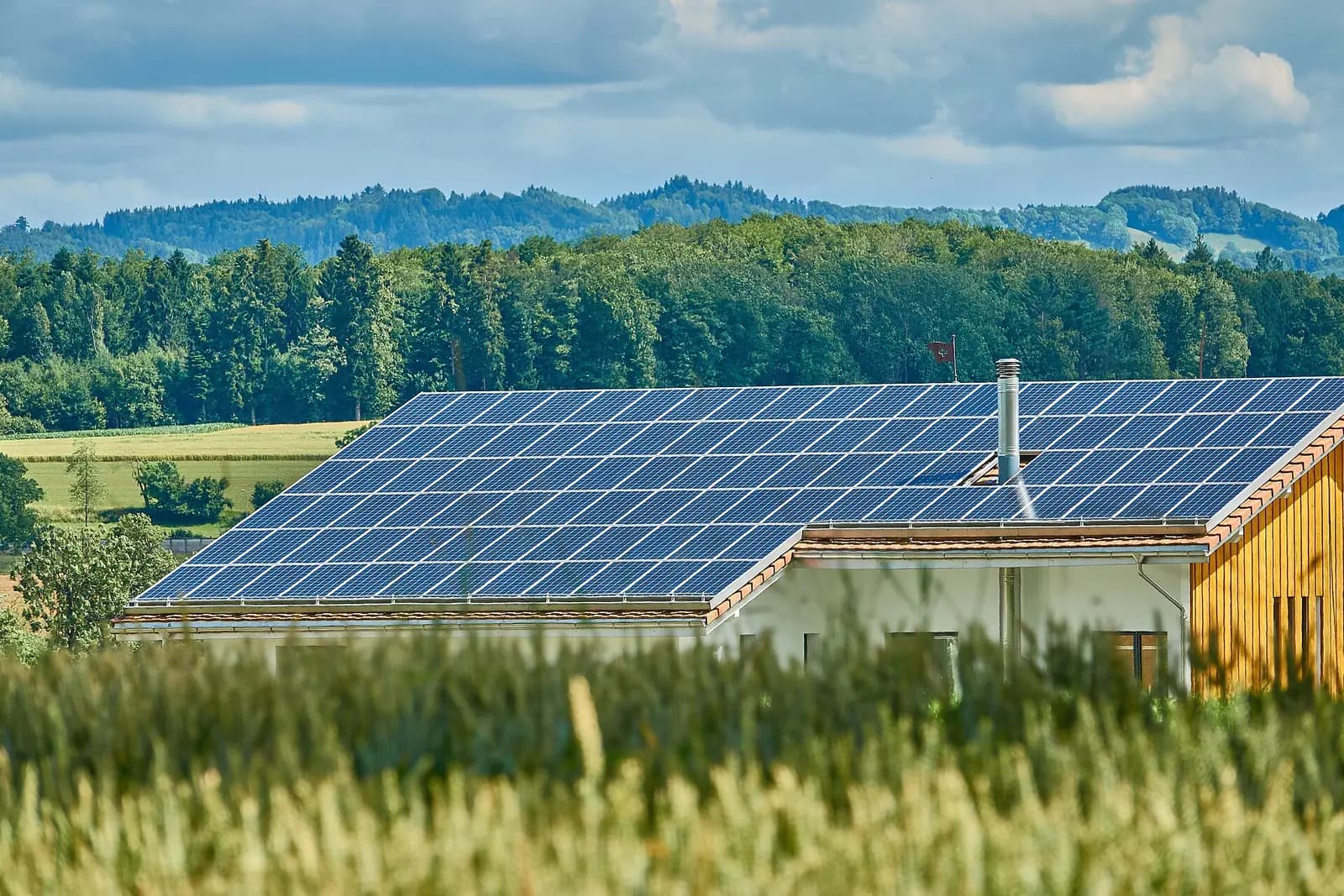
Ardenwatt designs and installs rooftop arrays, solar carports and battery storage for warehouses, farms, schools and offices.
What we install
Four services, one team from site survey to sign-off.
Rooftop solar
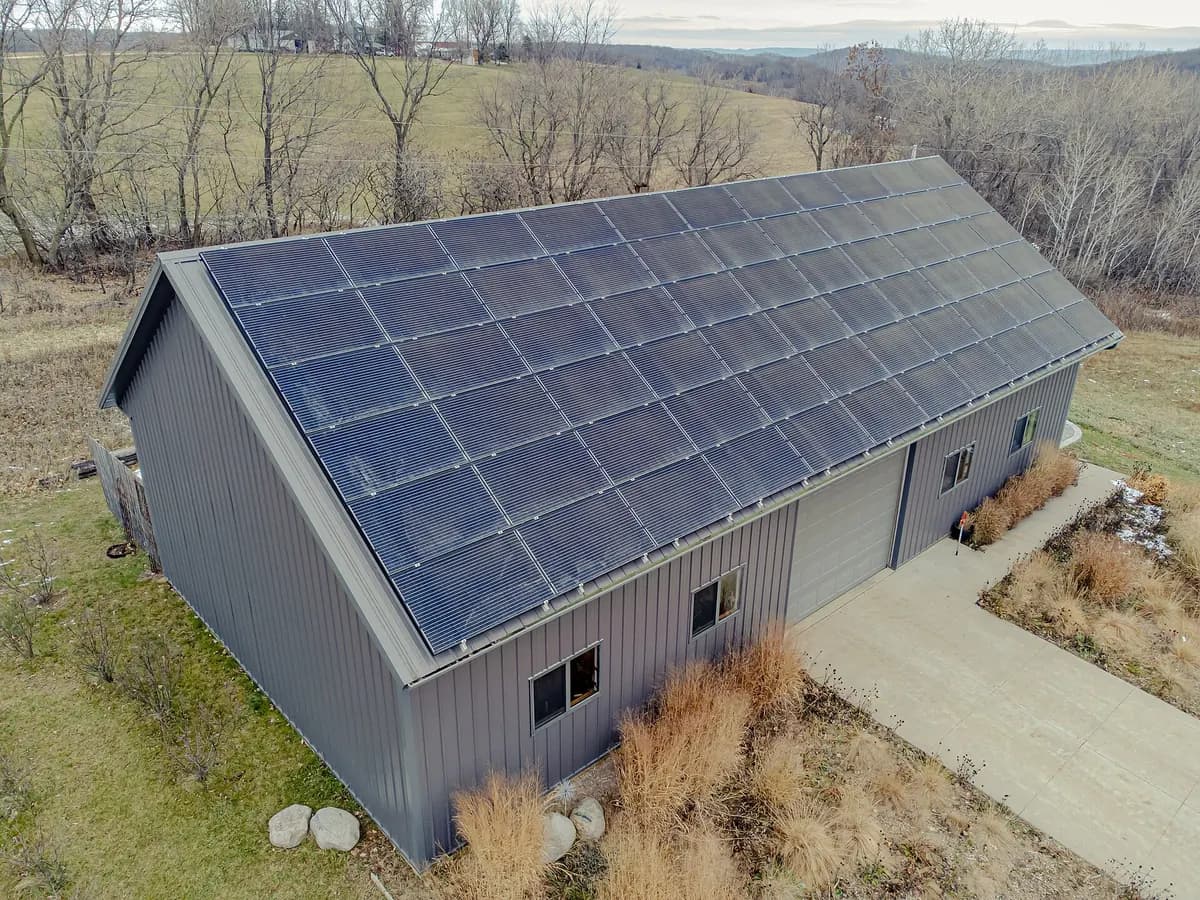
Arrays sized to your roof, load profile and budget, for warehouses, barns, offices and schools.
Solar carports
Shaded parking that generates power, with optional EV charging bays.
Battery storage
Store daytime output for evening loads and keep critical circuits running during outages.
Operations & maintenance
Monitoring, cleaning and repairs to keep existing systems producing.

How this demo works
The form below feeds a simulated Zoho CRM automation. Everything runs in your browser with mock data, so you can try it safely.
- 1
Capture. The website form validates every field before anything is sent.
- 2
Create & score. A lead is created in Zoho CRM and scored by budget, interest and email domain.
- 3
Assign. Assignment rules route the lead to the right owner in the sales team.
- 4
Follow up. Day 0, 2 and 5 emails go out, and the sequence stops when the lead replies.
- 5
Track. The pipeline shows every deal by stage, with an API sync log and safe retries.
What happens next
Zoho CRM (simulated). Each step below runs when the form is submitted.
- 1Lead created in Zoho CRM
- 2Lead scoring rule applied
- 3Assignment rule picks an owner
- 4Day 0 welcome email queued